flameZ Settings in CS2: Full Config and Gaming Gear
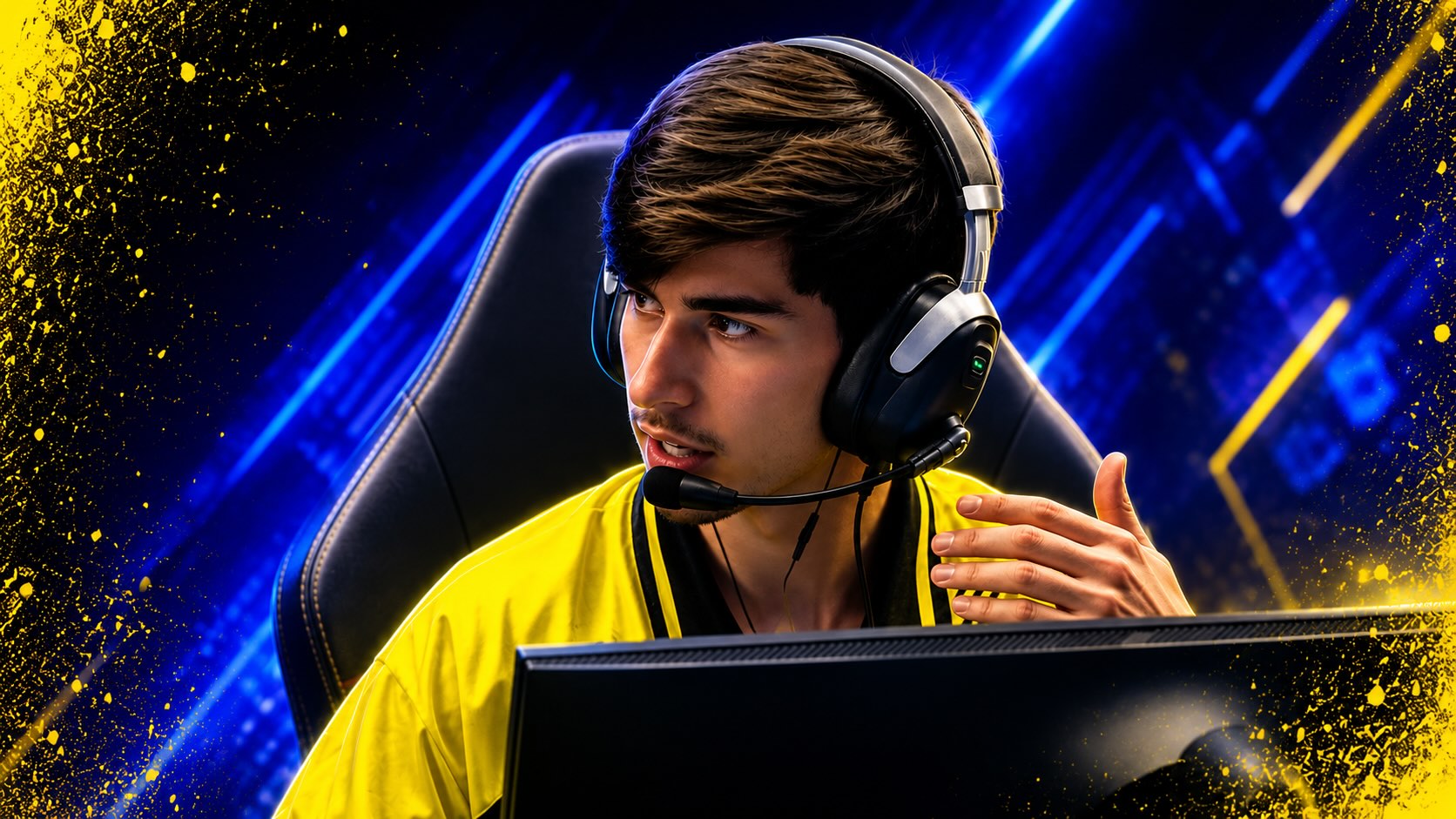
Shahar “flameZ” Shushan is one of Team Vitality’s key riflers in Counter-Strike 2, known for his fast aim, confident entries, and aggressive dueling style. Here are flameZ CS2 settings, including his mouse sensitivity, crosshair, resolution, viewmodel, video options, gaming gear, and full setup.
flameZ CS2 Settings Overview
Shahar “flameZ” Shushan is an Israeli professional Counter-Strike 2 player for Team Vitality, playing as a rifler and entry fragger with a fast, duel-heavy style.
| Category | Information |
|---|---|
| Real name | Shahar Shushan |
| Nickname | flameZ |
| Nationality | Israeli |
| Date of birth | June 22, 2003 |
| Current team | Team Vitality |
| Main role | Rifler / entry fragger |
| Game | Counter-Strike 2 |
Before joining Vitality, flameZ built his reputation with Endpoint and OG, where his mechanical skill and high-impact rifle play helped him stand out as one of Israel’s strongest Counter-Strike talents. Since moving to Team Vitality, he has competed at the top level of CS2 alongside some of the most experienced players in the scene.
In this guide, we’ll cover flameZ CS2 settings, including his mouse sensitivity, crosshair, resolution, viewmodel, video settings, gaming gear, and full setup.
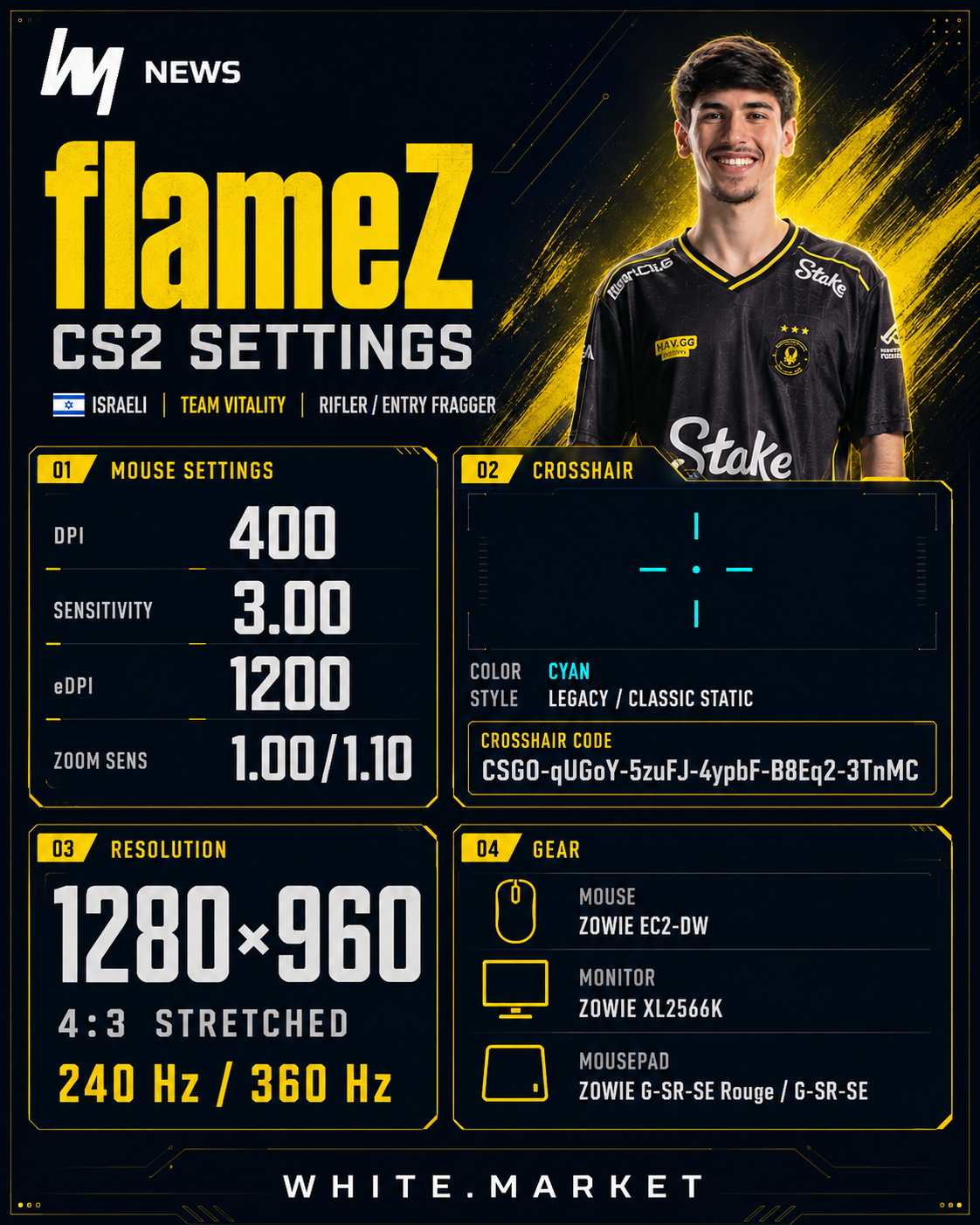
flameZ Mouse and Crosshair Settings
flameZ CS2 settings are built around speed and reactivity rather than very low-sensitivity precision. For players who like taking space and clearing angles quickly, his mouse setup can feel responsive, but it also requires strong crosshair control.
Mouse Settings
| Setting | Value |
|---|---|
| DPI | 400 |
| Sensitivity | 3.00 |
| eDPI | 1200 |
| Zoom Sensitivity | 1.00 / 1.10 |
| Polling Rate | 1000 Hz |
| Windows Sensitivity | 6 / 11 |
Crosshair Settings
| Setting | Value |
|---|---|
| Style | Legacy / Classic Static |
| Follow Recoil | No |
| Center Dot | Yes |
| Length | 1.5 |
| Thickness | 0.5 |
| Gap | -2 |
| Outline | Off / 1 |
| Color | Cyan |
| Red | 0 |
| Green | 255 |
| Blue | 255 |
| Alpha | 255 |
Crosshair code: CSGO-qUGoY-5zuFJ-4ypbF-B8Eq2-3TnMC
This flameZ crosshair is best suited for players who want a small, clear aiming point. Combined with his faster sensitivity, it supports quick peeks, close-range entries, and fast rifle adjustments.
CS2 flameZ Settings and Viewmodel
flameZ’s stretched setup makes player models appear wider and keeps the image focused for close-range rifling. Together with a high-refresh-rate monitor, it gives flameZ a responsive display configuration for fast duels and quick angle clearing.
| Setting | Value |
|---|---|
| Resolution | 1280×960 |
| Aspect Ratio | 4:3 |
| Scaling Mode | Stretched |
| Display Mode | Fullscreen |
| Refresh Rate | 240 Hz / 360 Hz |
| Brightness | 119% / Gamma 2.2 |
Viewmodel Settings
| Setting | Value |
|---|---|
| FOV | 68 |
| Offset X | 2.5 |
| Offset Y | 0 |
| Offset Z | -1.5 |
| Preset Position | 2 |
Viewmodel code: viewmodel_fov 68; viewmodel_offset_x 2.5; viewmodel_offset_y 0; viewmodel_offset_z -1.5; viewmodel_presetpos 2;
These flameZ viewmodel settings are built for visibility and comfort. The wide FOV and side-positioned weapon model help reduce screen obstruction, which is useful when clearing multiple angles quickly.
HUD and Radar Settings
| Setting | Value |
|---|---|
| HUD Scale | 0.85 / 1 |
| HUD Color | Bright White / White |
| Radar Centers Player | Yes |
| Radar Is Rotating | Yes |
| Radar HUD Size | 0.8 / 1 |
| Radar Map Zoom | 0.3 / 1 |
| Toggle Shape With Scoreboard | Yes |
flameZ’s radar setup keeps the map readable while still following player movement. Player centering and radar rotation help maintain orientation during fast rounds, rotations, and retakes.
Video and Graphics Settings
| Setting | Value |
|---|---|
| Boost Player Contrast | Enabled |
| Wait for Vertical Sync | Disabled |
| NVIDIA G-Sync | Disabled |
| NVIDIA Reflex Low Latency | Enabled / Disabled |
| Multisampling Anti-Aliasing | 4x MSAA / 8x MSAA |
| Global Shadow Quality | High |
| Dynamic Shadows | All |
| Model / Texture Detail | Low |
| Texture Filtering Mode | Bilinear |
| Shader Detail | Low |
| Particle Detail | Low |
| Ambient Occlusion | Medium |
| High Dynamic Range | Quality |
| FidelityFX Super Resolution | Disabled / Disabled Highest Quality |
| Maximum FPS In Game | 505 / 0 |
The key idea behind these CS2 flameZ settings is balance: stretched resolution, fullscreen mode, low texture and shader detail, high shadows, and disabled V-Sync. This combination keeps the game responsive while preserving the visual information needed in competitive rounds.
Monitor Configuration
| Setting | Value |
|---|---|
| Monitor | ZOWIE XL2566K |
| Brightness | 45 |
| Contrast | 40 |
| Sharpness | 10 |
| Gamma | Gamma 3 |
| Color Temperature | R100 / G100 / B100 |
| Color Vibrance | 15 |
| Black eQualizer | 9 |
| Picture Mode | FPS 1 |
His monitor configuration is tuned for competitive visibility, with high refresh-rate support and esports-style image settings. This matches the rest of his setup: stretched resolution, fast display response, and performance-focused CS2 settings.
flameZ Settings, Setup and Gear
flameZ’s hardware setup is built around fast response, stable performance, and tournament-level comfort. His current gear includes the ZOWIE EC2-DW mouse, ZOWIE XL2566K monitor, and lightweight esports peripherals.
Gaming Gear
| Gear | Model |
|---|---|
| Mouse | ZOWIE EC2-DW |
| Keyboard | ASUS ROG Falchion Ace HFX |
| Monitor | ZOWIE XL2566K |
| Headset | SteelSeries Flux In-Ear Pro |
| Mousepad | ZOWIE G-SR-SE Rouge / ZOWIE G-SR-SE |
PC Specifications
| Component | Model |
|---|---|
| CPU | N/A |
| GPU | NVIDIA GeForce RTX 3080 |
| RAM | N/A |
| Storage | N/A |
Graphics Card Settings
| Setting | Value |
|---|---|
| GPU | NVIDIA GeForce RTX 3080 |
| Brightness | 50% |
| Contrast | 50% |
| Gamma | 1 |
| Digital Vibrance | 50% |
Team Vitality CS2 Teammates
The current Team Vitality CS2 roster combines experienced leadership, elite AWPing, flexible rifling, and strong late-round control.
| Player | Nationality | Role / Profile |
|---|---|---|
| ZywOo | France | AWPer and superstar player |
| apEX | France | In-game leader |
| flameZ | Israel | Entry fragger / rifler |
| mezii | United Kingdom | Supportive rifler / anchor |
| ropz | Estonia | Lurker / star rifler |
| XTQZZZ | France | Head coach |
apEX gives Vitality tactical structure and helps set up flameZ’s aggressive plays. ZywOo adds elite AWP impact, giving the team a reliable star presence in key rounds.
mezii brings stability through supportive rifling and anchor positions, while ropz adds patience, precision, and late-round control. Together, they create a balanced system where flameZ can take space early while the rest of Vitality supports, trades, and closes rounds.
FAQ
What sensitivity does flameZ use in CS2?
flameZ uses 400 DPI with 3.00 in-game sensitivity, giving him an eDPI of 1200.
What crosshair does flameZ use?
flameZ uses a compact cyan crosshair with a tight gap and center dot. His listed crosshair code is CSGO-qUGoY-5zuFJ-4ypbF-B8Eq2-3TnMC.
What resolution does flameZ use?
flameZ plays CS2 on 1280×960 resolution with a 4:3 aspect ratio and stretched scaling.
What mouse does flameZ use?
flameZ uses the ZOWIE EC2-DW, a wireless ergonomic mouse commonly used by professional CS2 players.
What team does flameZ play for?
flameZ currently plays for Team Vitality as a rifler and entry fragger.
What monitor does flameZ use?
flameZ uses the ZOWIE XL2566K, a high-refresh-rate esports monitor built for competitive FPS games.
Articles by this author