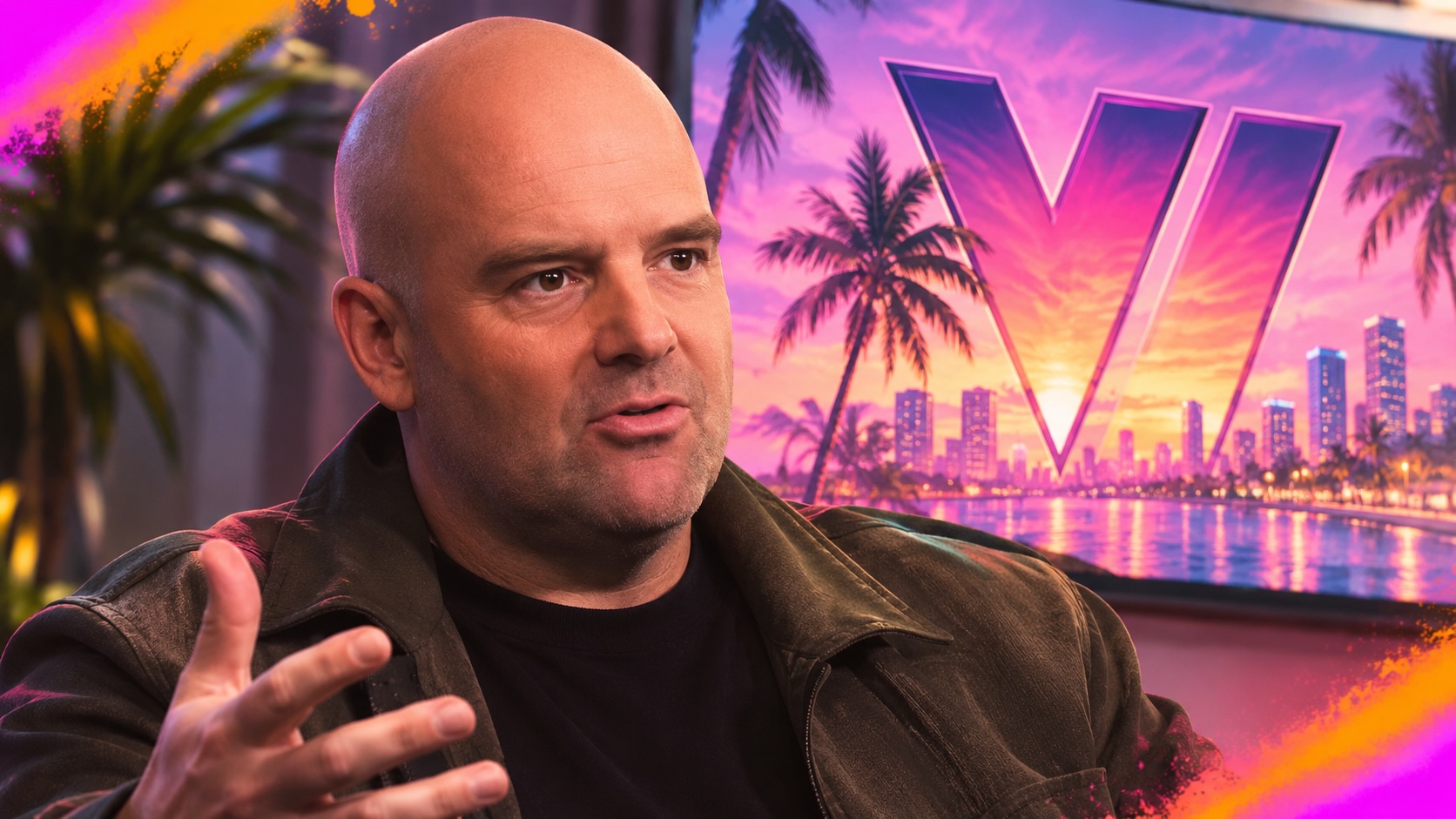
PSN Outage Hits Thousands Before GTA 6 Launch
PlayStation Network problems affected thousands of users on Nov. 18, hours before Grand Theft Auto VI became available. The service later returned to normal.
PlayStation Network users reported sign-in failures and server connection errors on Nov. 18, hours before Grand Theft Auto VI was scheduled to become available worldwide. Some players also received a message saying PlayStation services were busy.
Reports from an outage-tracking service exceeded 4,000 at their peak on Wednesday afternoon in the United States. Complaints began to decline later that day and fell sharply by the evening in Europe. Sony did not confirm an outage or provide an explanation. Its status page later showed all services operating normally.
The disruption coincided with increased activity before the game’s release. Players were downloading a required PS5 system update, preloading GTA 6 and signing in as the game became available in different regions.
GTA 6 reportedly requires PS5 system software version 14.22. PlayStation said on X that players had to install the update before starting the game. The title was scheduled to become available at midnight in each region, which added to the number of users connecting to PlayStation Network.
Some players outside New Zealand changed their console’s region settings in an attempt to access the game early. That process can create additional sign-in traffic, although Sony did not say whether it contributed to the disruption.
GTA 6’s story mode can generally be played offline after the game is fully installed and the PS5 has the latest system software. Digital copies may need an internet connection to verify the licence the first time they are launched. That check may be avoided when the PS5 is set up through the Console Sharing and Offline Play setting.
Players who still have sign-in problems can check the official PlayStation Network status page. If all services are operating normally, restarting the PS5 and router may resolve connection issues. The Test Internet Connection tool in the console’s Network settings can show whether the PS5 is reaching PlayStation Network. Signing out of the PlayStation account and signing in again may also clear a stalled session.
Follow our gaming coverage and visit our game gift marketplace for available digital products.
Reviewed and fact-checked by Alex Panasenko on November 18.
Tags
Articles by this author